We assist publishers and transform ideas into high-quality books of all colours, shapes and forms, through efficient manufacturing and multilingual service with individual approach.
If you have an idea for a book, look at our services and contact us. We have a variety of solutions to meet your needs and will find the best possible way to produce it for you.
Pre-press is the most important stage before the printing process. Please check this page to avoid mistakes in the file preparation process, to choose an appropriate colour profile and to gather some other very useful pre-press information.
A variety of printing technologies are used in Livonia Print. If you are not sure what would be most suitable for your order, please check this page or contact us to help you choose the best printing technology for your product using the best equipment for the job.
To choose the best, most effective and most practical binding method for your order, please check the variety of binding types, covers and cover spines we can offer you.
We produce a wide range of books and are passionate about the products we make. With all the finishing solutions we offer, this page will help you think of ways to make your book even more special.
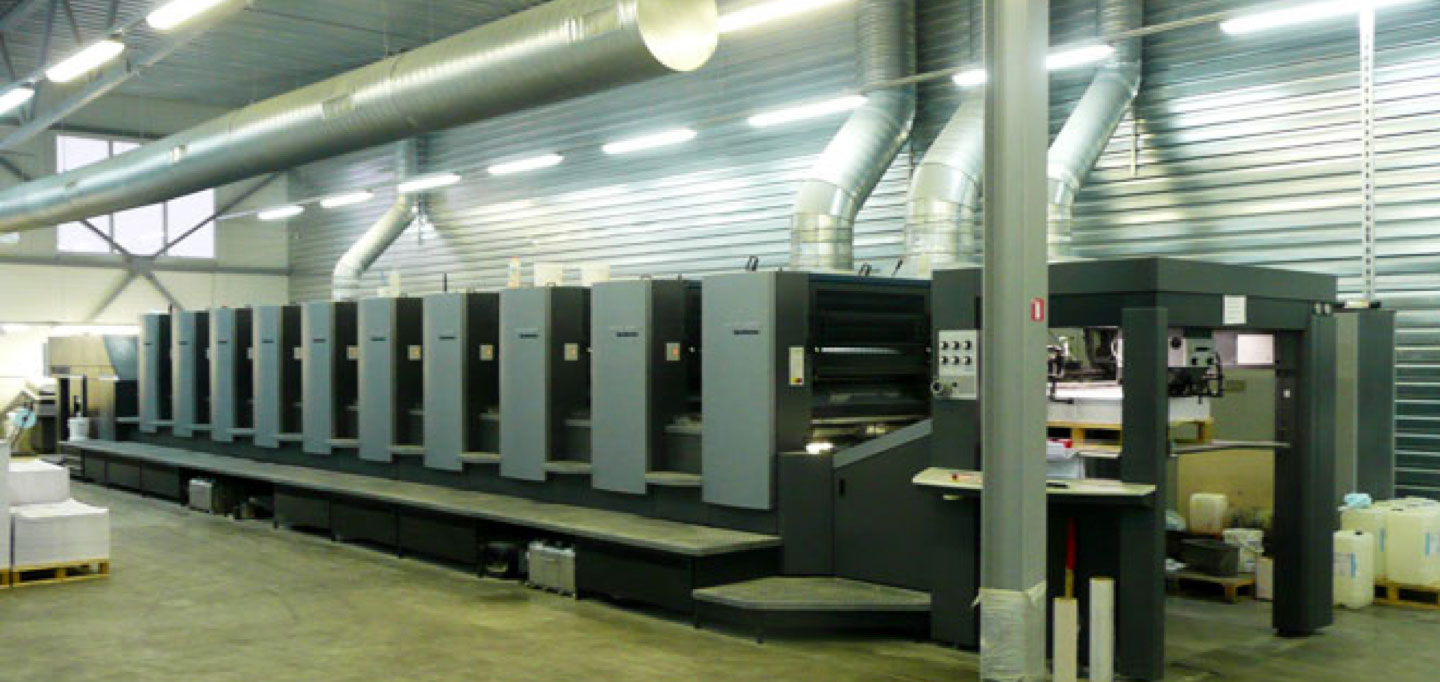
Only the best is good enough to deliver great products.
Learn more
Fill in our form and get a quote